Daily Planner KDP Interiors: A Template for Creative Control
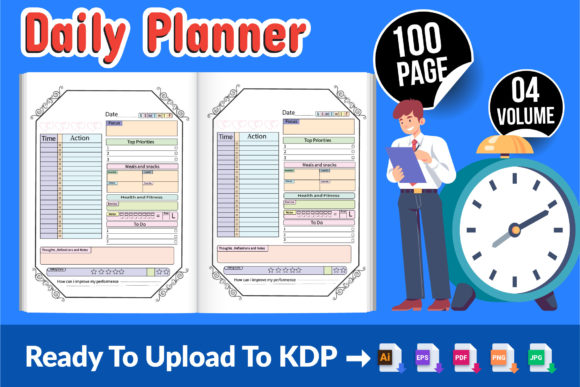
In the world of self-publishing and planner design, finding the right foundation is crucial. The Daily Planner - KDP Interiors V-04 represents a unique opportunity: it’s a fully editable, print-ready interior template designed explicitly for Amazon’s Kindle Direct Publishing platform. This isn’t just a static set of pages; it’s a creative toolkit. If you have even a little knowledge of design software, you can modify everything—the design color, fonts, layout accents—to craft a planner that feels uniquely yours. This summer presents the perfect window to adapt this template, have it ready for the high-demand Q3 and Q4 seasons, and establish a print-ready product you can replicate instantly at home.
The Foundation of a Successful Planner Business
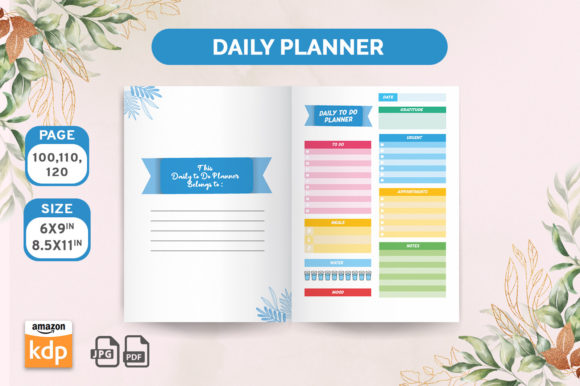
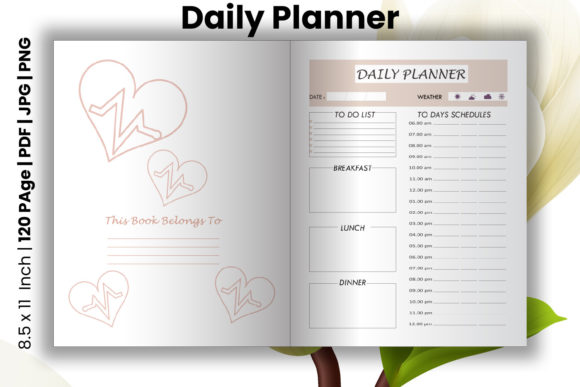
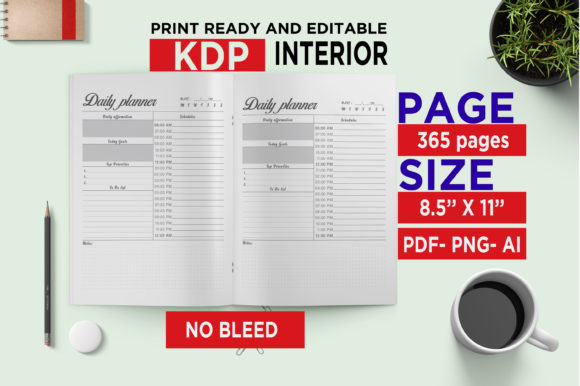
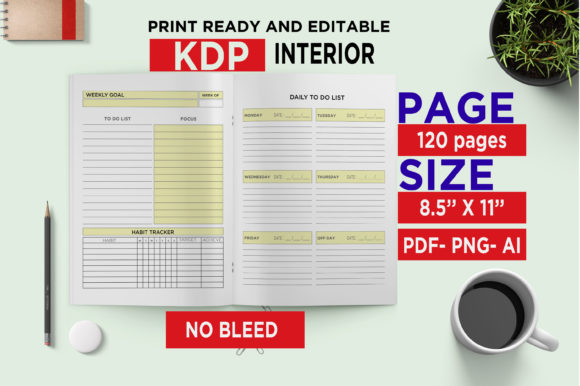
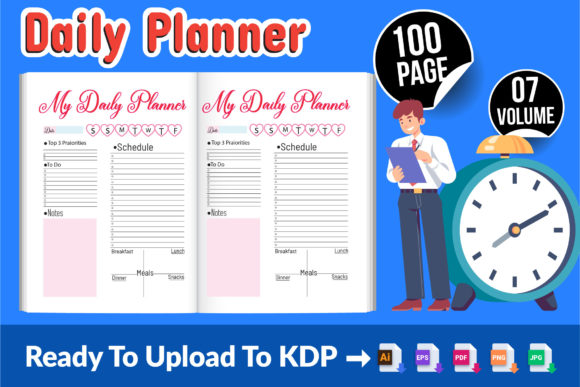
What makes this template particularly interesting is its dual nature. It’s a professional, tested foundation and a blank canvas. The package includes files in multiple industry-standard formats: 1 AI file for Adobe Illustrator, 1 EPS file for broader vector editing, and 1 PDF file for straightforward printing. This ensures you can work within your preferred design ecosystem. Furthermore, it includes 100 PNG and 100 JPG files of each page, ready to use, offering immense flexibility for digital projects or alternative printing methods. With dimensions set at the standard 8.5″ x 11″ inch and high-resolution quality, the technical hurdles are removed, allowing you to focus purely on creative and commercial strategy.
Unlocking Creative Possibilities with Full Editability
The true power lies in the “fully editable” promise. This summer, consider moving beyond a generic planner. Think about your audience. A vibrant, energetic color palette with bold fonts might resonate with a community focused on fitness and goal-setting. A serene, minimalist design with soft colors and elegant typography could appeal to users seeking a mindfulness or journaling companion. You can adjust section headers, icon styles, and page layouts to create a cohesive theme. The template isn’t just for daily scheduling; it’s a framework you can adapt for weekly reviews, monthly goal tracking, habit-building sections, or project management pages.
For the entrepreneur or freelancer, this might mean integrating invoicing trackers or client project timelines into the layout. An educator could adapt pages for lesson planning, student progress notes, or academic calendar integration. A blogger or content creator might transform sections into content calendars, social media planning grids, and analytics logging. The structure is there; your interpretation defines the final product’s utility and market niche.
Practical Applications and Audience Adaptation
Understanding your end-user is key to effective adaptation. A planner targeting busy parents might benefit from larger, clear time blocks, sections for family meals and activities, and checklists for chores. A planner for small business owners could emphasize quarterly goal pages, expense tracking layouts, and team meeting templates. By altering the design elements—using a more professional, sleek font for corporate audiences or a playful, handwritten-style font for creative hobbyists—you directly communicate the planner’s purpose before the customer even opens it.
From Template to Finished Product: A Summer Project Guide
The process is straightforward and ripe for a summer project. Start by auditing the included files. Open the AI or EPS file in your design software. First, decide on a core theme or audience focus. Select a primary and secondary color palette that aligns with that theme—tools like Adobe Color can help create harmonious schemes. Choose two or three complementary fonts: one for headings, one for body text, and perhaps an accent font for special sections. Consistency is vital; apply these choices systematically across the master pages.
Next, consider functional variations. Do you want to add inspirational quotes on certain pages? Perhaps integrate specific productivity methodologies like time-blocking or the Pomodoro Technique into the daily layout. You can rearrange or emphasize different sections without rebuilding the entire grid. Once your design edits are complete, use the provided PDF for final proofing. Check print margins, text clarity, and overall flow. Because the files are print-ready, you can then instantly print a prototype at home to test the physical feel—a crucial step before listing.
Ensuring Clarity and Market Readiness
While creativity drives differentiation, clarity ensures usability. Keep the core planning elements—date headers, time slots, checkboxes—clear and legible. Avoid overcrowding pages with decorative elements that compromise function. The goal is to create a planner that is both aesthetically original and practically effective. Test your edited version by using it yourself for a week or sharing it with a potential user from your target audience. Their feedback on navigation and utility is invaluable.
With the template fully tested on the Amazon KDP platform, your final step is simplified. After adding your own custom cover design—which should visually align with your new interior theme—you can package the files and upload. The included ZIP file, containing all the AI, EPS, PDF, PNG, and JPG assets, gives you everything needed for listing and future modifications. This template provides a rare balance: it offers the security of a pre-structured, platform-verified product and the freedom of a customizable creative project. This summer, leveraging that balance can set you up for a successful launch in the coming quarters, building a planner business that starts with a robust foundation and grows with your unique vision.