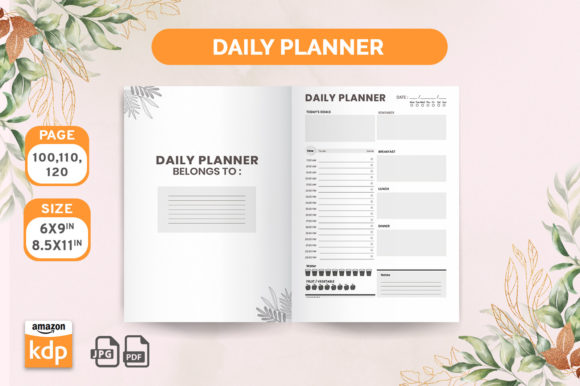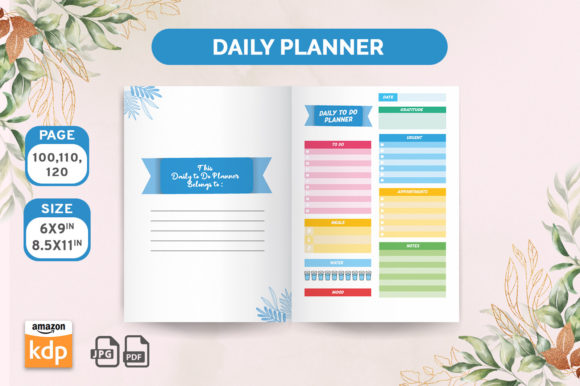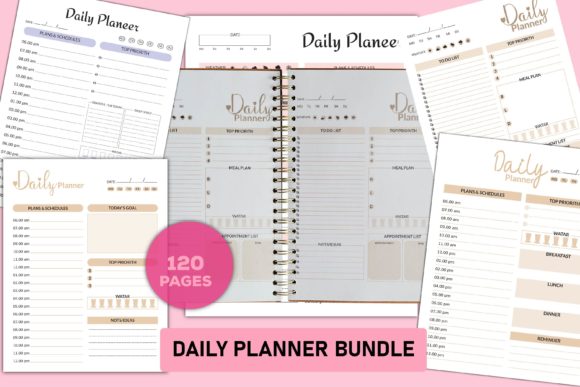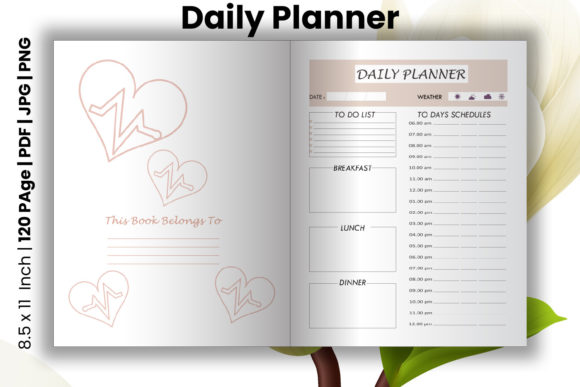
Daily Planner KDP Interiors: A Professional Publishing Solution
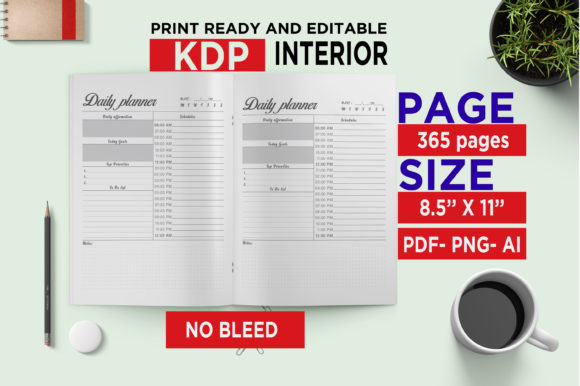
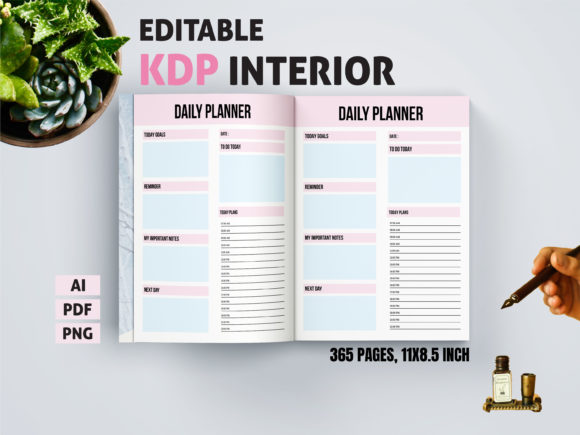
For creators looking to publish a professional daily planner on Amazon's Kindle Direct Publishing platform, the decision often starts with the interior design. A well-crafted, print-ready planner interior is the foundation of a successful product. Daily Planner - KDP Interiors 2022 represents a complete, high-quality template package designed specifically for this purpose. It's not just a collection of blank pages; it's a structured, editable system aimed at saving you time and ensuring your final product meets market expectations for quality and functionality.
Many independent publishers, from entrepreneurs to hobbyists, are drawn to creating planners because they see a thriving market. However, a common initial misunderstanding is that simply having a good idea is enough. The reality is that the physical presentation—the layout, print quality, and usability—is what convinces a customer to pick your planner over dozens of others. Using a pre-designed, professional interior like the Daily Planner KDP Interiors 2022 package can bridge the gap between your vision and a commercially viable product.
Overlooked Details That Impact Your Planner's Success
When evaluating a template package, it's easy to focus solely on the page count or the aesthetic preview. A more nuanced approach is necessary. Here are some specific areas where creators often make decisions that later affect their project's efficiency, cost, and final quality.
Assuming All Files Are Equally Usable
The specification lists Editable Illustrator Ai File, PDF, and PNG Files. A common mistake is to download the package and immediately work with the PDF for edits, simply because it's a familiar format. This approach is limiting. The AI file is the true source for customization. If you attempt to heavily modify a PDF using other software, you risk degrading the resolution, losing layer flexibility, or creating alignment issues that only become apparent after printing. The practical advice is to assess your own software skills. If you have access to and basic knowledge of Adobe Illustrator, start there. It allows you to change colors, fonts, and layouts without compromising the high-resolution print-ready quality. If you don't, the PNG files offer a simpler, albeit less flexible, alternative for minor tweaks.
Neglecting the "Print Ready" Verification
The package is advertised as high-quality print ready. This means the files are pre-configured with correct dimensions (8.5" x 11"), resolution, and color space for standard printing. A overlooked step is to still perform a quick personal verification before uploading to KDP. Use the PDF file to check for any unexpected margins, bleed areas, or font rendering issues on your own screen. KDP's previewer is excellent, but a preliminary check helps you catch potential issues early. For example, ensure that any lines or boxes you might add using the editable files align perfectly and don't appear pixelated. This small habit prevents last-minute frustrations and costly proof corrections.
Misjudging the Scope of Customization
With 365 pages, the template provides a full year's structure. A better approach is to think of it as a robust skeleton. Some creators try to redesign every page from scratch, which is incredibly time-intensive and often leads to inconsistent formatting. Instead, use the template logically. Identify the core pages that define your planner's unique value—perhaps the weekly layout, goal-setting sections, or monthly overviews. Concentrate your customization efforts there. Leave the more standardized pages, like the subsequent daily pages, largely as-is. This balanced approach maintains professional cohesion while efficiently injecting your personal brand or functional improvements.
Practical Choices for Different Creator Backgrounds
Your background influences how you should best utilize this interior package. A blogger or freelancer with limited design experience might lean on the PNG files to insert their logo and change header colors quickly. A professional marketer or educator aiming for a branded product for their audience will benefit more from the AI file to create a deeply cohesive look that matches their other materials. The key is to match the tool to your skill level and project goals to avoid wasted effort.
Consider a realistic example: An entrepreneur wants to create a productivity planner to sell alongside their coaching services. They download the Daily Planner KDP Interiors 2022. The poor decision would be to immediately publish it generically. The better approach is to use the Illustrator file to change the color scheme to match their company branding, insert their motivational quotes on key monthly pages, and perhaps add a unique introductory page about their methodology. This transforms a generic template into a specialized, value-added product that serves their broader business goals.
Evaluating the Full Package Before Commitment
Before finalizing your decision to use this specific package, conduct a simple inventory check against your needs. Do you require a full 365-page layout, or would a 6-month planner suffice? The template provides a year, but you can use the editable files to remove pages logically if needed. Are the included file formats compatible with your software? Ensure you have, or can access, the tools needed to edit the AI or PNG files. Finally, review the sample PDF thoroughly. Look at the typography, spacing, and section divisions. Does the overall structure feel intuitive and aligned with how you believe a daily planner should function? This content-focused evaluation, beyond just checking technical specs, ensures the template is a good conceptual fit for your project.
Ultimately, resources like Daily Planner - KDP Interiors 2022 exist to elevate your publishing process. By understanding the common pitfalls—such as misusing file formats, skipping pre-checks, or over-customizing—you can leverage these professional templates effectively. They provide a reliable foundation, allowing you to channel your energy into the aspects that truly differentiate your planner: its unique content, its targeted audience appeal, and its role in your creative or business portfolio. Approach them with a strategic, tool-aware mindset, and you'll avoid the setbacks that many first-time publishers face, setting yourself up for a smoother and more successful publishing experience on KDP.